
Most powerful way to doFigma Variables
VV turns collections, modes, and aliases into a living graph. Designers build and debug them visually. Developers ship the exact same values via a tiny build-time resolver.
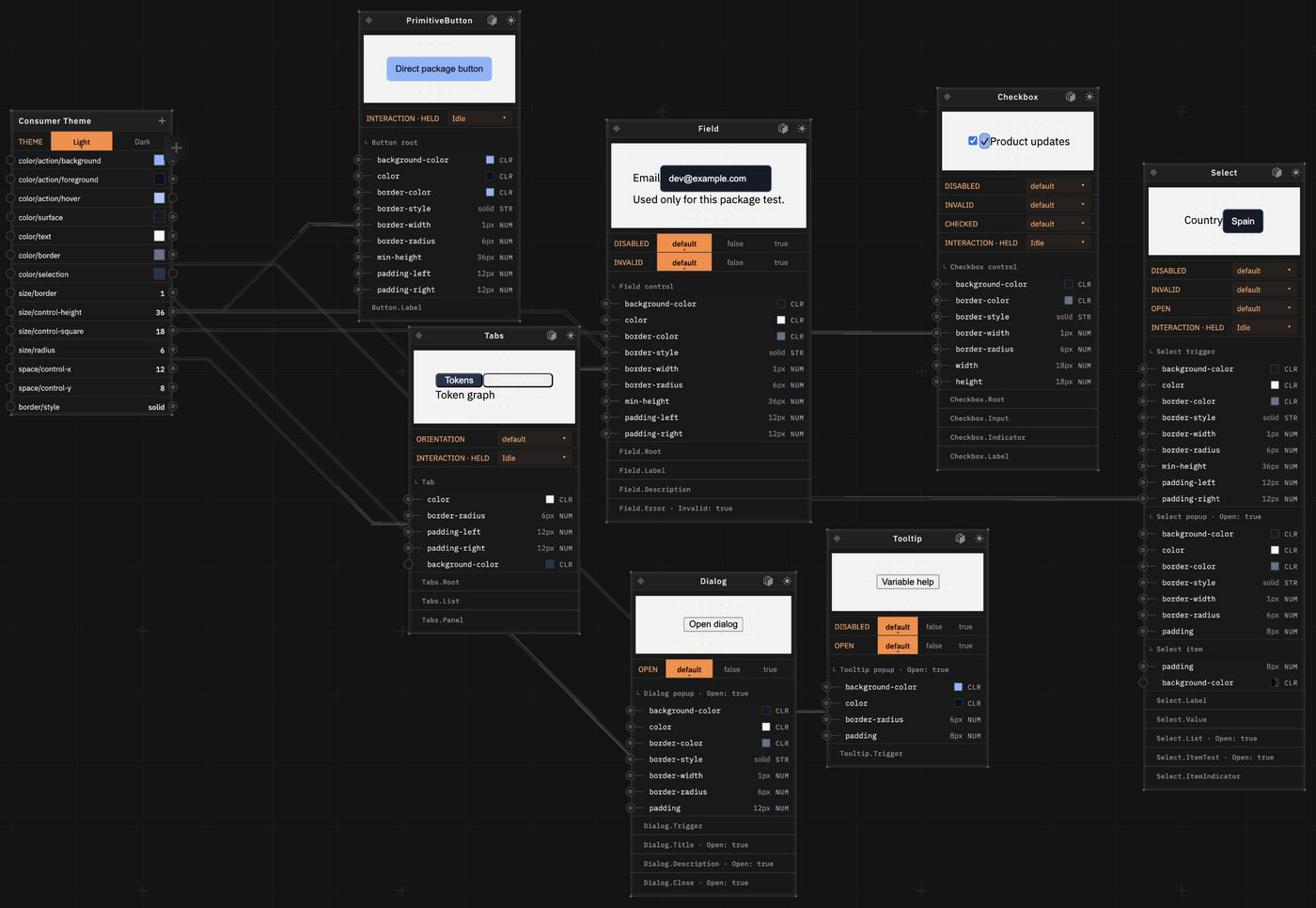
See your variable system in 2D.
Explore collections, modes, and aliases as a living graph. Trace dependencies, validate values, and debug visually before you export for build.
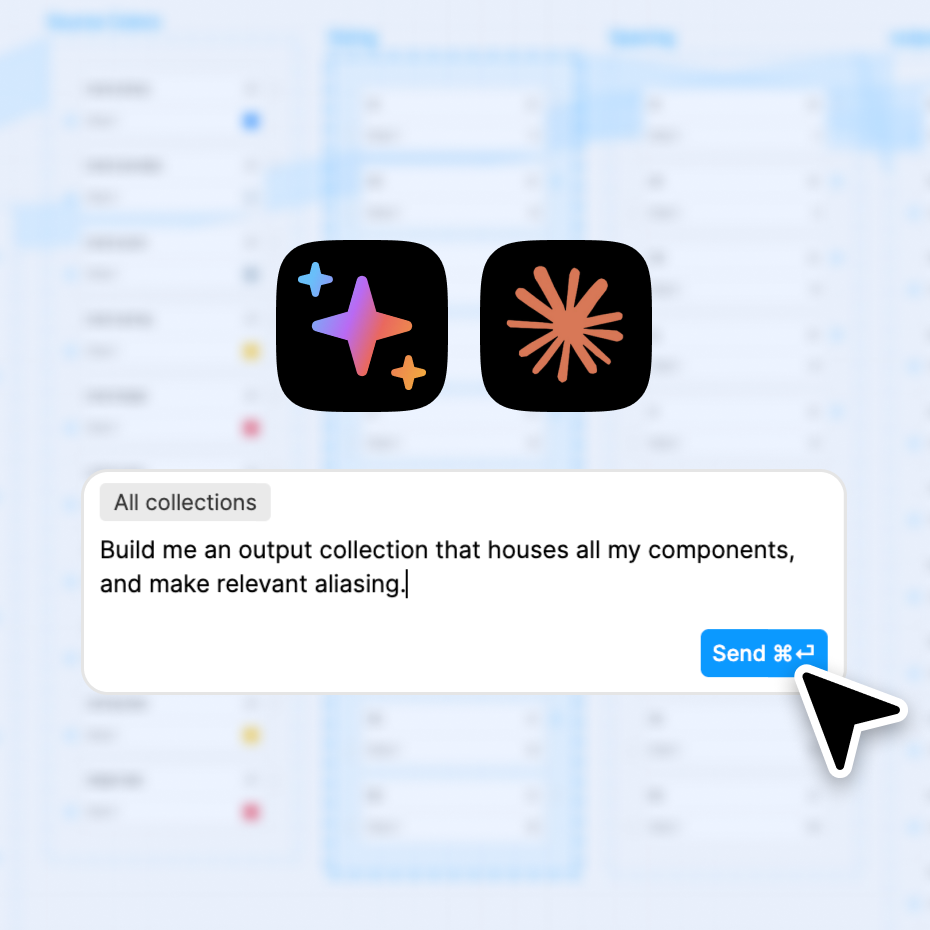
AI that designs, binds, and refactors variables.
Ask for what you need: discover relationships, create collections and modes, bind attributes, rename at scale, or generate color scales to match a reference. Results are explicit and reviewable.
Design‑to‑dev in one move
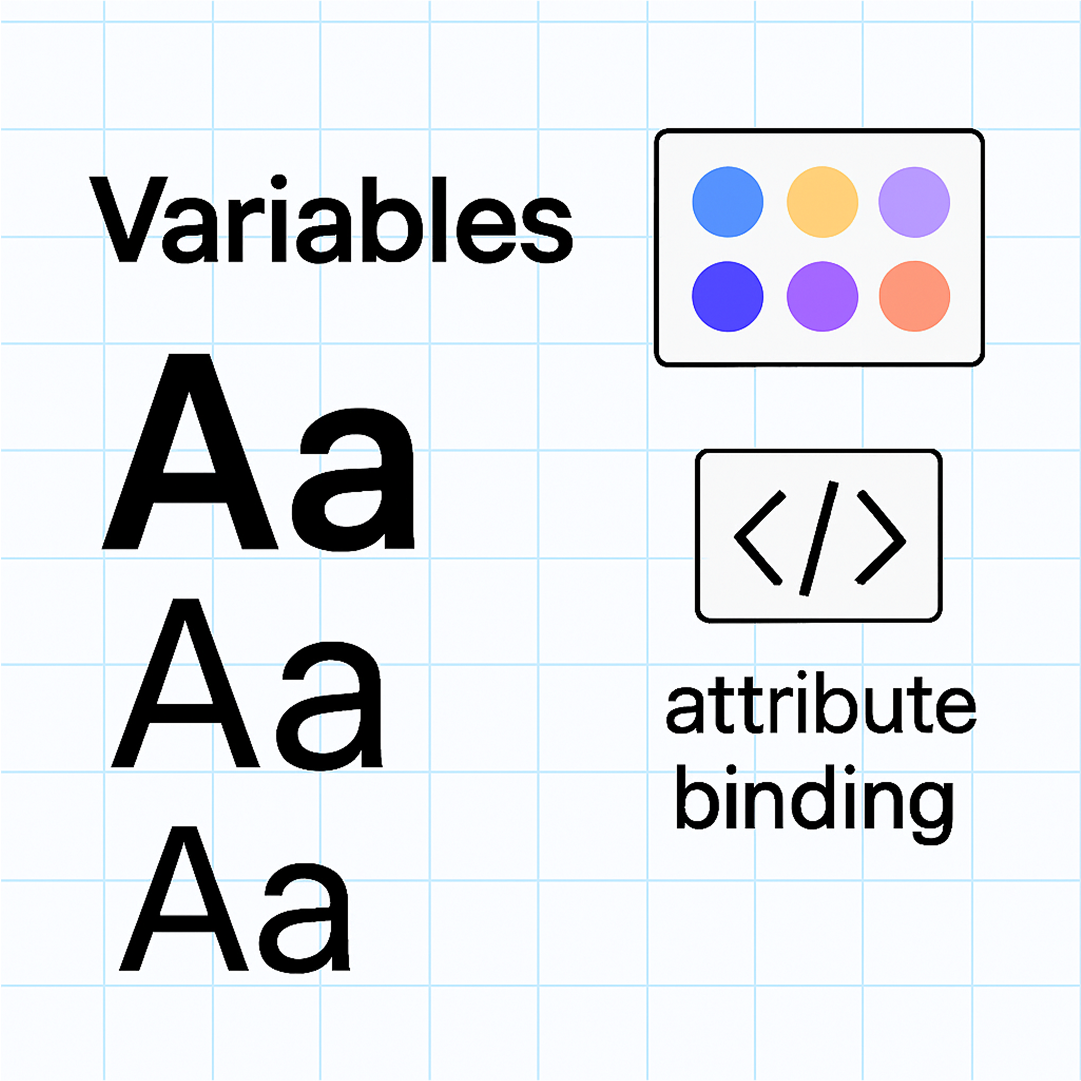
Export the graph in VV as JSON. Use the same variable binding and your build outputs will now match the source file — deterministically. Native modes for variables stay the source of truth; the resolver does not invent a second token layer.
// useTokens.js
import { getVariableByName } from '../design-tokens/resolver.js'

// resolve exactly what you render
const text = getVariableByName('text/regular', modes)
const bg = getVariableByName('card/bg-fill', modes)
const accent = getVariableByName('large number/fill', modes)

// use text, bg, accent directly in your UI
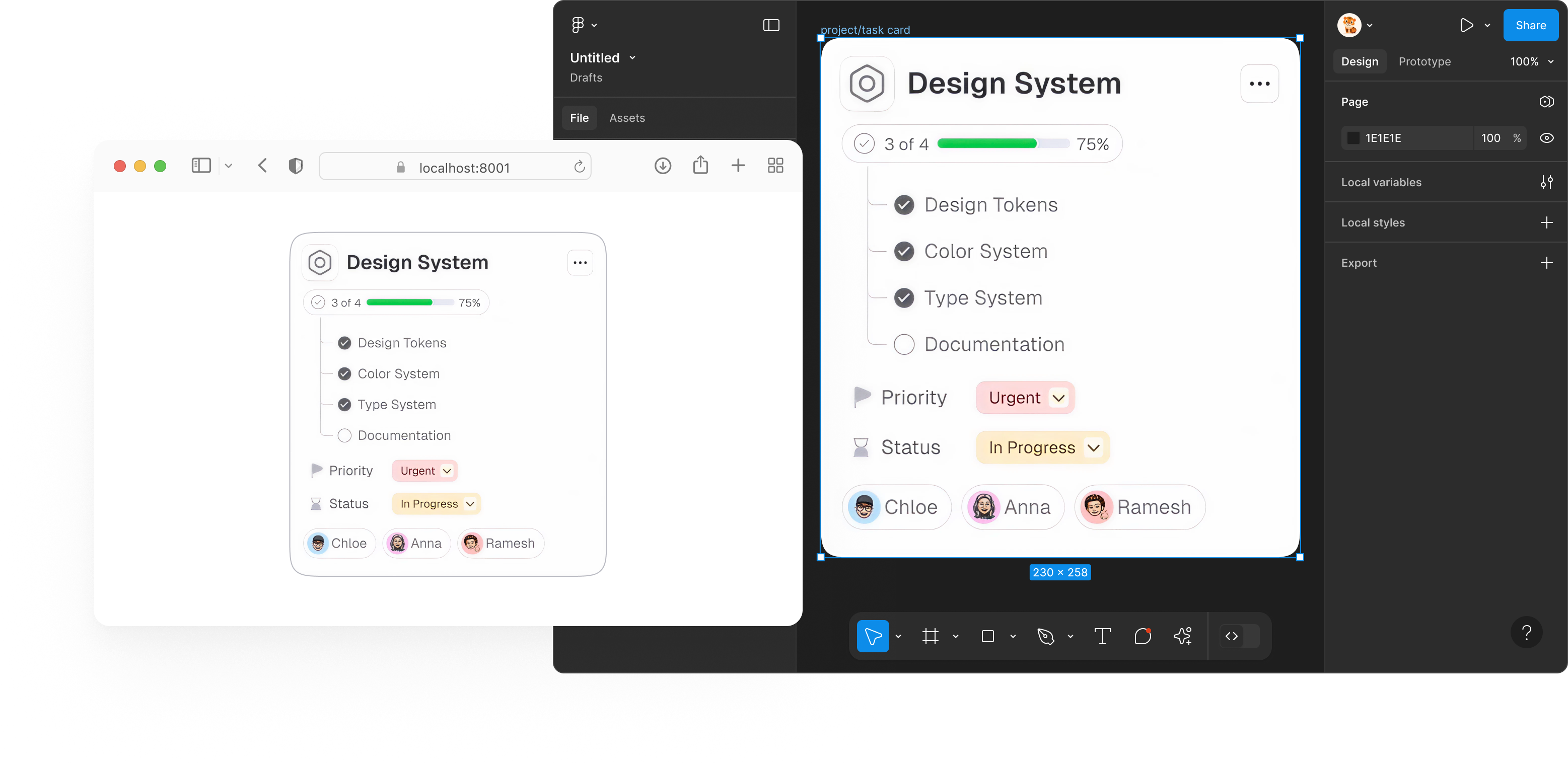
Zero drift. Deterministic by design.
The values developers get are the same values designers see, by definition.
No translation layer, no divergence, no surprises.

Solo VV
Same graph. Your codebase. Open a repo, generate production wrappers, and preview the same binding plan that ships — no Figma plugin required.
Pricing
Start free. Upgrade when you need AI assistance, cross-library reference, team seats – or talk to us about enterprise licensing for organization-wide use. The Solo VV Mac beta is a free download; these plans apply to the Figma plugin.
Individual plans are perfect for designers exploring better variable systems. Organization-wide or platform use requires an enterprise agreement. Enterprise licensing includes org-wide design-to-dev pipelines, multi-brand AI-ready foundations, design system audits and architecture reviews, and clear IP boundaries and branding – VV remains an independent product.
Variable Visualizer plans
- Free — $0 per month. For individuals exploring variable systems.
- Professional — $12 per month or $99 per year. For those who want AI and workflow automation.
- Pro Plus — $24 per month or $199 per year. For power users who need more AI credits.
- Team — Tiered volume pricing for 2+ seats. Same as Pro Plus with volume pricing.
- Enterprise — Custom pricing. Local deploy, custom features, and integrations.
FAQ
What is the difference between Figma variables and design tokens?
Figma variables are the native names, collections, modes, and aliases in your Figma file — see Figma’s Guide to variables. Design tokens often imply an extra translation layer between design and code. Variable Visualizer works with Figma variables as they exist, then a build-time resolver ships those same values — no token pipeline in between.
How do I export Figma variables to code with Variable Visualizer?
Export the VV graph as JSON, keep it in a predictable path such as src/vv/variables.json, and import it at build time. The resolver evaluates the same relationships as Figma for any mode, so your app can emit stable CSS or TypeScript artifacts.
Can Variable Visualizer resolve light and dark modes?
Yes. Collections and modes — including light, dark, and high-contrast — are first-class in the graph. The resolver computes the correct value for each mode at build time, so previews and production stay aligned.
What is Solo VV versus the Figma plugin?
The Figma plugin authors the living graph inside Figma. Solo VV is the Mac desktop Variable Visualizer: the same graph against your real components, with generated wrappers, live preview, and Figma VV JSON interchange. Apple Silicon, macOS 12+. The Mac beta is a free download.
Does Solo VV run on Intel Macs? Do I need Figma installed?
No and no. The current Solo VV beta is Apple Silicon only. Figma does not need to be installed or running. You can import a Figma VV JSON export if you have one.
Does Solo VV write into my repository?
Only after you choose Set up VV for this project. That writes a .vv folder, generated wrappers, and a Vite or Webpack plugin. Uninstall VV restores the previous project setup.
Can our whole company use VV as a core part of our design system or AI platform?
Yes – but organization-wide or strategic use requires an enterprise agreement with us. Individual plugin subscriptions are intended for personal or small-team use. If you plan to use VV as a central engine for your design system, AI workflows, or internal platform, please contact us to set up an enterprise licence.
Can we present VV-powered flows as our own internal tooling?
You’re welcome to integrate VV into your internal workflows and platforms, but Variable Visualizer remains an independent product and brand. You may not remove VV branding, rebrand it as your own product, or imply that you own the underlying technology without our written permission. For white-label or partnership discussions, please get in touch.
Can we rebuild VV’s concepts internally for our own platform?
VV’s resolver, UI, and brand are our intellectual property. You’re free to learn from modern variable practices, but copying or recreating VV’s product, UI, or resolver logic as an internal clone is not permitted. If you’re interested in a deeper partnership (audits, architecture, custom integrations), we’re happy to discuss that under an enterprise agreement.
Why do you say “variables” instead of “tokens”?
VV works with Figma variables as they exist in your file: names, collections, modes, and aliases. We avoid the overloaded word “token” so there’s no confusion with API keys or usage counts — and no extra translation layer. What you design is what you ship.
How does VV keep design and build aligned?
The resolver evaluates the same relationships as Figma at build time. When you export the VV graph once, your app resolves variables deterministically for any mode. No manual mapping, no drift.
Can VV handle multiple libraries and remote collections?
Yes. Both the visualizer and the resolver understand references across libraries and remote collections, so previews and build outputs stay consistent.
Where do I store the export in my repo?
Keep it in a predictable path like src/vv/variables.json. Import it at build time and emit stable artifacts (CSS/TS) for your runtime to use.
Do I need to paste the JSON export into an AI?
No. As long as your variable bindings are set correctly, you’re done. Only the resolver reads the JSON at build time. AI helps write bindings in Figma — it never needs the JSON.